Movies on your ColecoVision
Turn your videos into movies for the console, with picture and sound.
Make a movie in four steps
Open the movie converter
It’s free and runs in your web browser. Your video never leaves your computer.
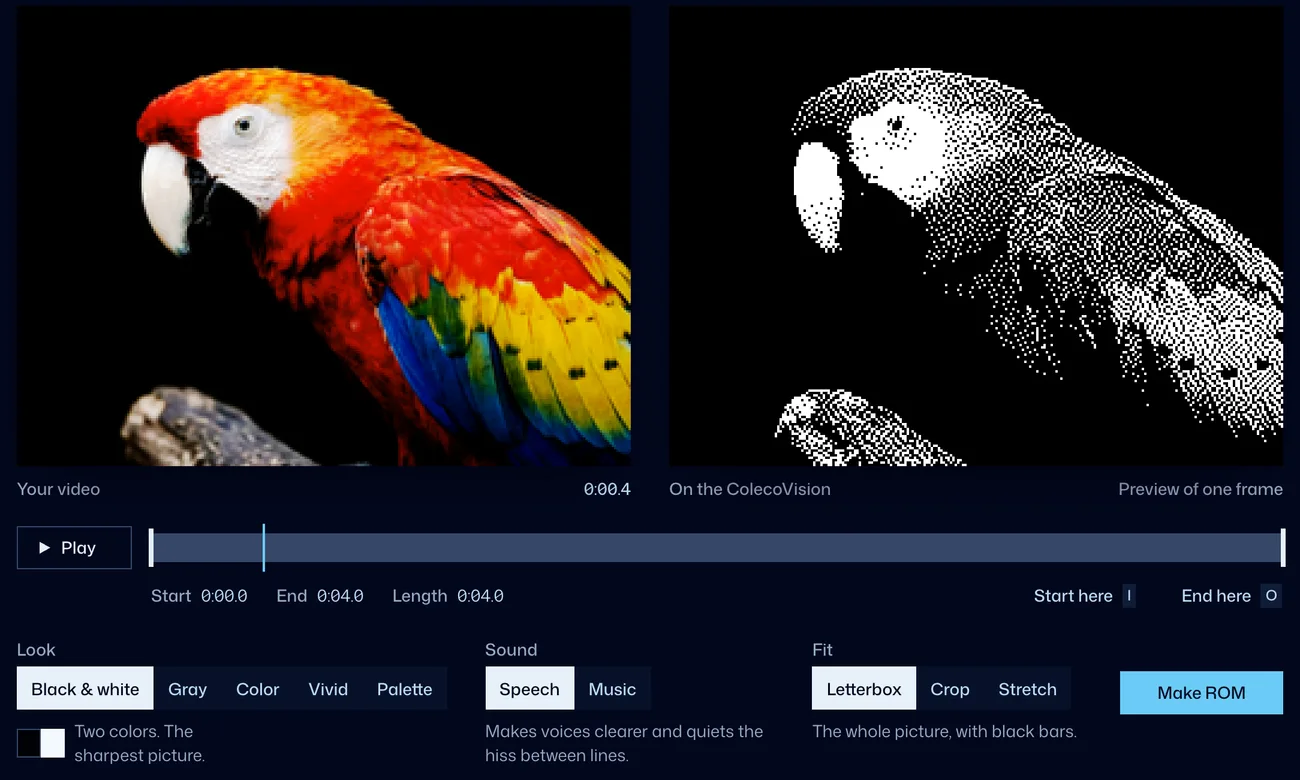
Drop in a video
Any video your browser can play will work, like MP4, MOV or WebM. You can trim it to just the part you want.
Pick a look
The preview shows you how each frame will look on the TV.
Save it to your card
Press Make ROM to save the movie, then copy it to your microSD card and pick it from the cart’s menu.
Looks, sound and length
- Looks
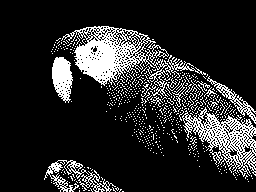
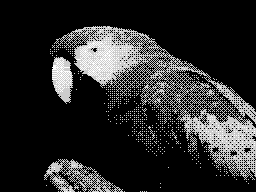
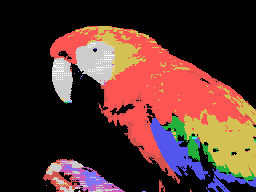
- Black and white is the sharpest, and Gray gives smoother shading. Color and Vivid use all 15 of the console’s colors, and Palette lets you pick the colors yourself.
- Sound
- The sound comes from the ColecoVision itself. The Speech setting makes voices clearer, and Music keeps the loud and quiet parts.
- Length
- A movie can be as long as you like, because it plays straight from the card.
- Speed
- A 2½-minute clip takes about 12 seconds to make in Chrome.
- Stopping
- To stop a movie and go back to the menu, press left fire on the controller, B on a USB gamepad, or RESET on the console.
It plays your ColecoVision games too
Parrot Cart also runs plugins that anyone can make.